Protect your Agile CRM form from bots
In short: To stop spam on an Agile CRM form, copy its Full Source Code from Marketing › Forms, paste it into the SpamKill Setup Wizard, delete Agile's script at the end, then paste the protected code on your page. SpamKill checks every submission without a CAPTCHA and real enquiries still become Agile contacts. It takes about 10 minutes.
Bots are filling your Agile CRM form with fake contacts. Protect it with SpamKill and real enquiries keep arriving in Agile as contacts. One limitation to know first: you use the form's Full Source Code, not the Embed Code, and delete Agile's short script at the end of it.
- About 10 min
- 7 steps
- Copy and paste one snippet
Last verified on Agile CRM Free (Form Builder, Full Source Code) with the SpamKill Setup Wizard
What changes, and what doesn't
- Enquiries still arrive in Agile as contacts
- Your form's fields and Agile's form styling
- Agile's thank-you message after submitting
- Every submission is checked before it reaches Agile
- No CAPTCHA for your visitors
- Undo it anytime by putting your old form code back
Before you start
Have these ready so nothing stops you halfway.
- A SpamKill accountNo account yet? Start a free trial.
- An Agile CRM formUnder Marketing › Forms. Any Agile plan includes the Form Builder, Free included.
- A way to edit your page's HTMLYou'll paste HTML code, so use an HTML or code block in your site editor.
Quick setup
For returning users. Each line links to its full step.
- In Agile, open Marketing › Forms, click Add Form, pick a template and click Save. Step 1
- In the Forms List, click Code next to your form, open Full Source Code and copy all of it. Step 2
- In the SpamKill Console, open Setup Wizard, click No to the WordPress question and paste the code. Step 3
- In the wizard's box, delete everything after </form>: the block from <script type="text/javascript"> to </script>. Step 4
- Click Generate Protected Code, check the email field is email, then click Yes, protect my form. Step 5
- Copy the protected code, paste it where the form should go, publish the page, then click Next. Step 6
- Submit [email protected] and expect an error, then submit a real enquiry and check Contacts. Step 7
Create your form in Agile
Where: Agile CRMMarketingForms
In Agile, open Marketing › Forms and click Add Form (1). Pick a template with an email field (2), change the fields if you like, and click Save (3). Close the dialog that opens.
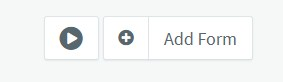
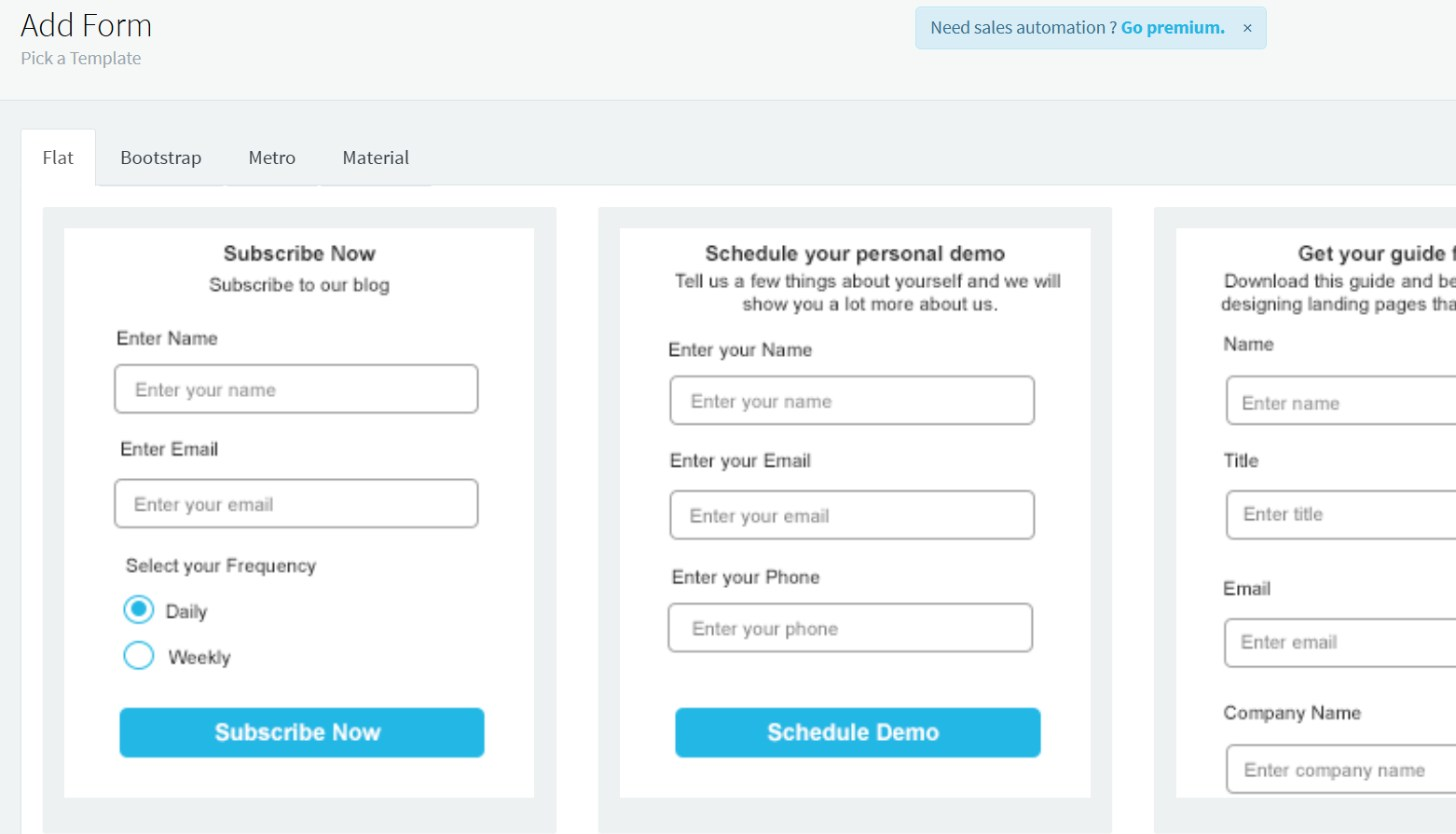
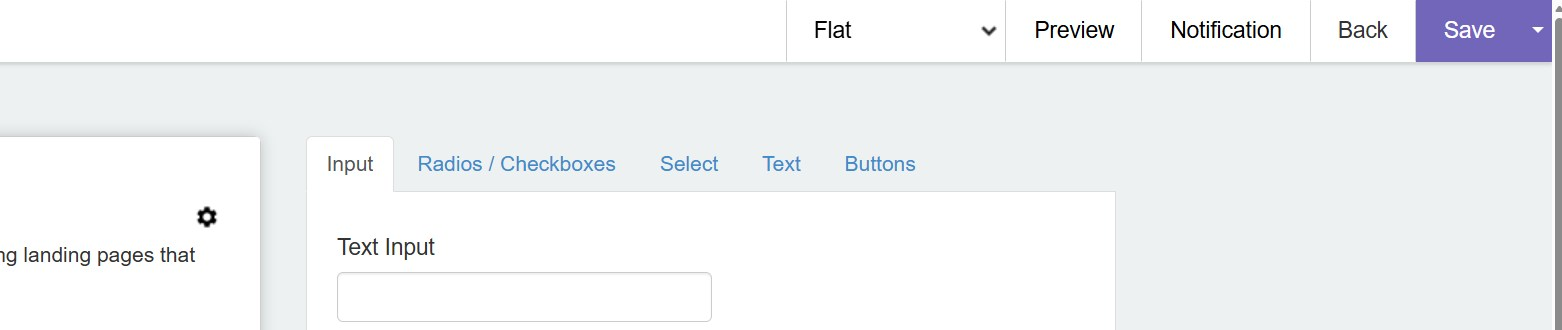
You should see: Your form in the Forms List.
Already have an Agile form?
Use it and go on to step 2.
Copy the Full Source Code
Where: Agile CRMMarketingForms
In the Forms List, click Code next to your form (1). Open the Full Source Code tab (2), not Embed Code. Click in the box, select all of the code and copy it.

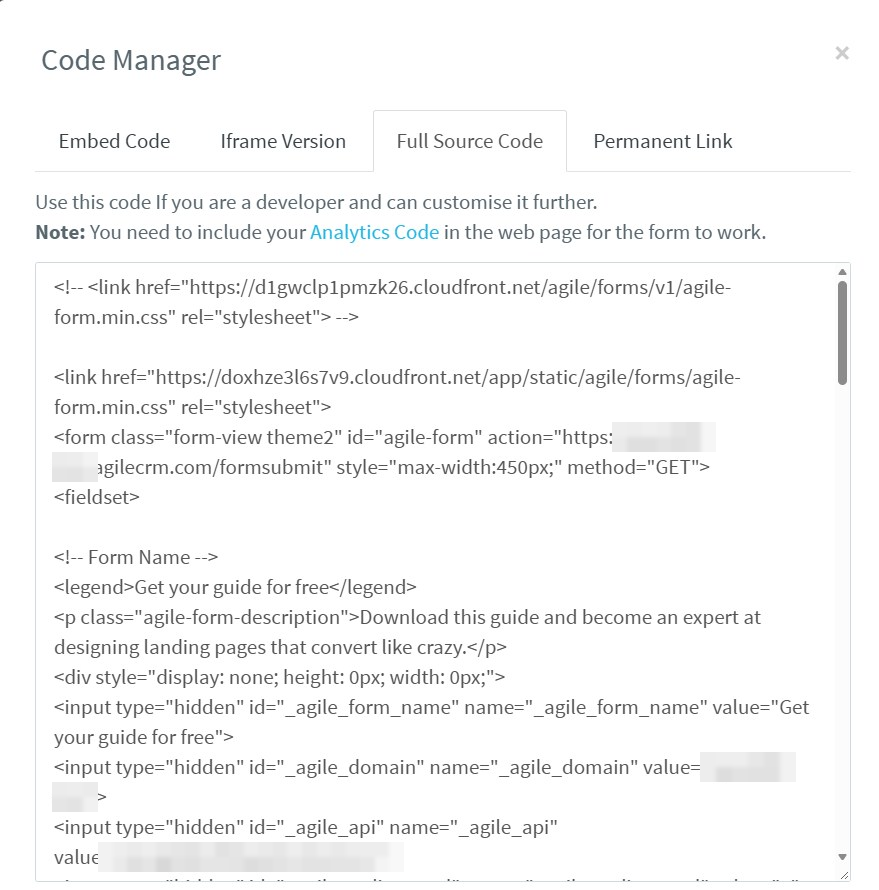
You should see: The form's code on your clipboard, with <form class="form-view theme2" id="agile-form" near the top.
Why not the Embed Code?
It's only a placeholder that Agile's script fills in on the page, so there's no form for SpamKill to protect. The Iframe Version can't be protected either.
Paste it into the Setup Wizard
Where: SpamKill ConsoleSetup Wizard
In the SpamKill Console, click Setup Wizard in the sidebar. If your site isn't on WordPress, click No under Is your website developed in WordPress?. Paste the Agile code into the box (1).
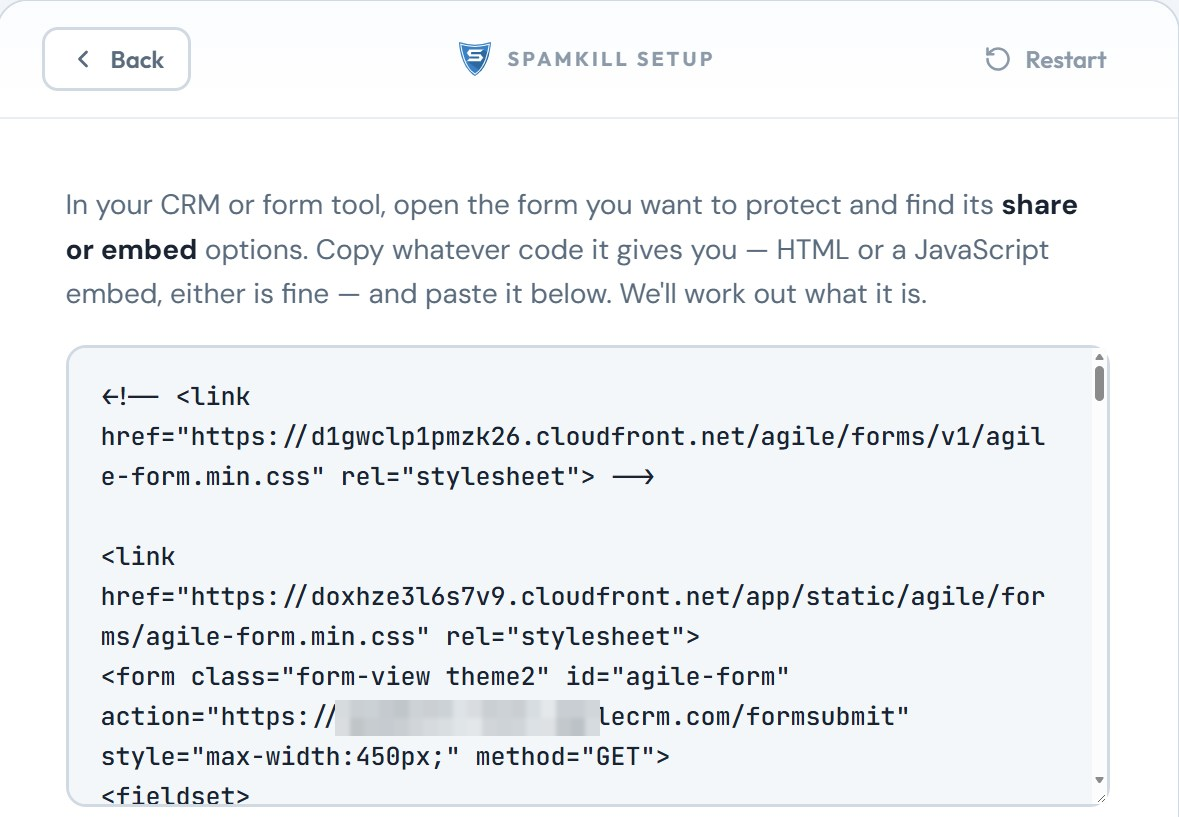
You should see: The code in the box, starting with Agile's stylesheet links.
Delete Agile's script
Where: SpamKill ConsoleSetup Wizard
Still in the wizard's box, scroll to the end. After </form> there's a short script that starts with <script type="text/javascript"> and ends with </script> (1). Select the whole block and delete it. Leave everything up to </form> in place.
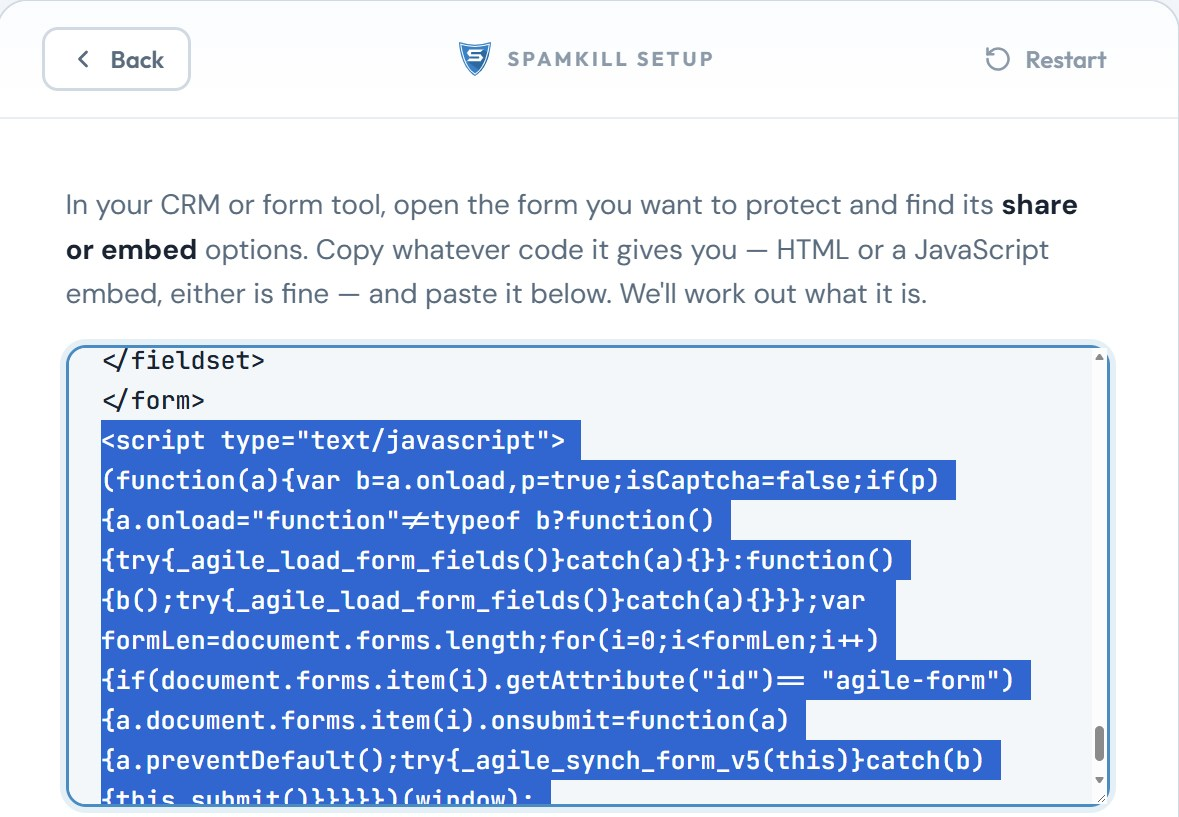
You should see: The code in the box now ends with </form>.
Why delete it?
The script hands the form to Agile's tracking code. If that tracking code is on your site, Agile's check trips over SpamKill's hidden fields and real enquiries silently stop. Without the script, the form submits normally through SpamKill.
Generate the protected code
Where: SpamKill ConsoleSetup Wizard
Click Generate Protected Code. SpamKill asks you to check the email field: it should be email (1). Click Yes, protect my form (2).
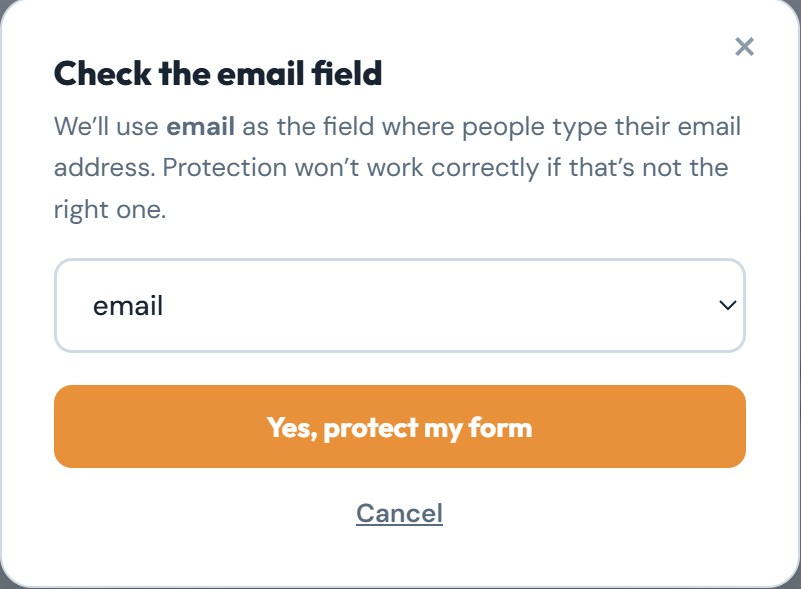
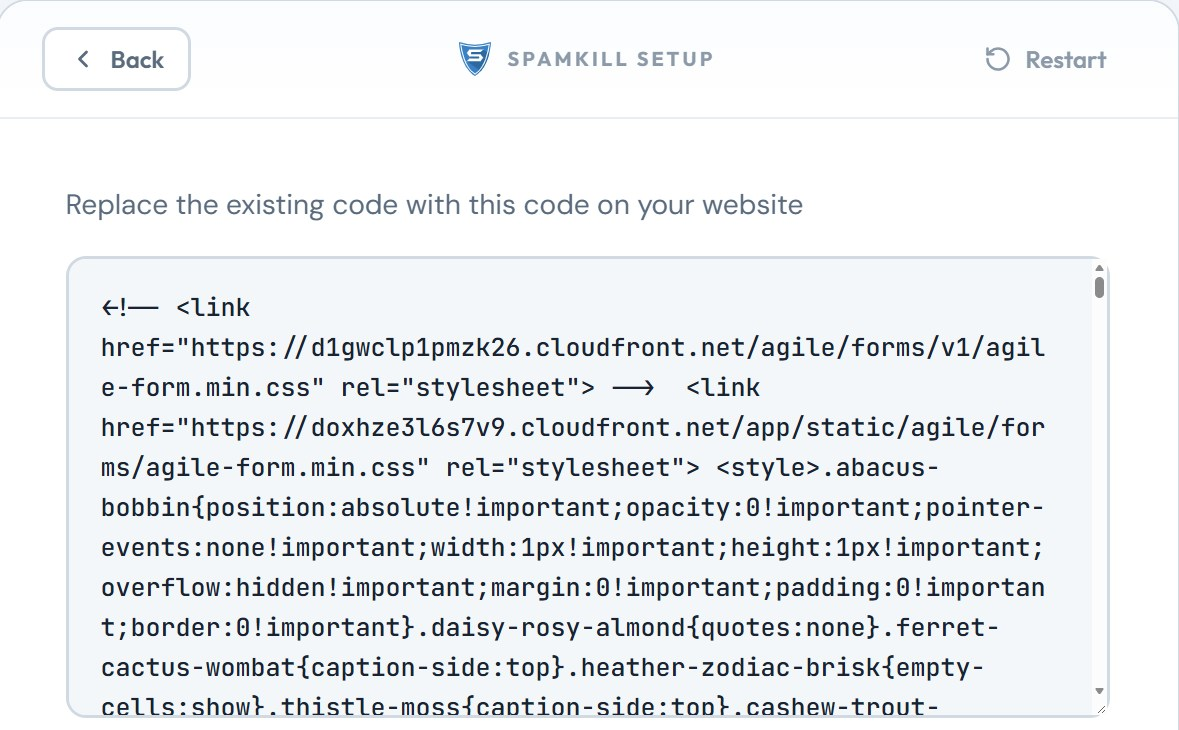
You should see: Replace the existing code with this code on your website, above your protected code.
Put the code on your page
Where: Your website editor
Copy the protected code. Open your page in your website editor and paste the code where the form should go, replacing any old Agile form code. Save and publish the page. Then click Next in the wizard.
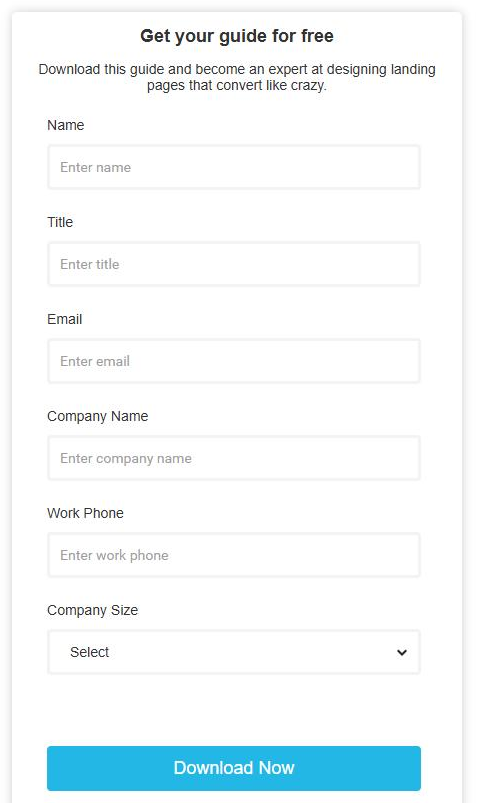
You should see: Your page shows the form in Agile's styling.
Does your site style the form by field name?
SpamKill renames the fields, and the wizard lists the old and new names. Update any CSS or scripts that point at the old names. Agile's own stylesheet uses classes, which SpamKill keeps.
Test it twice
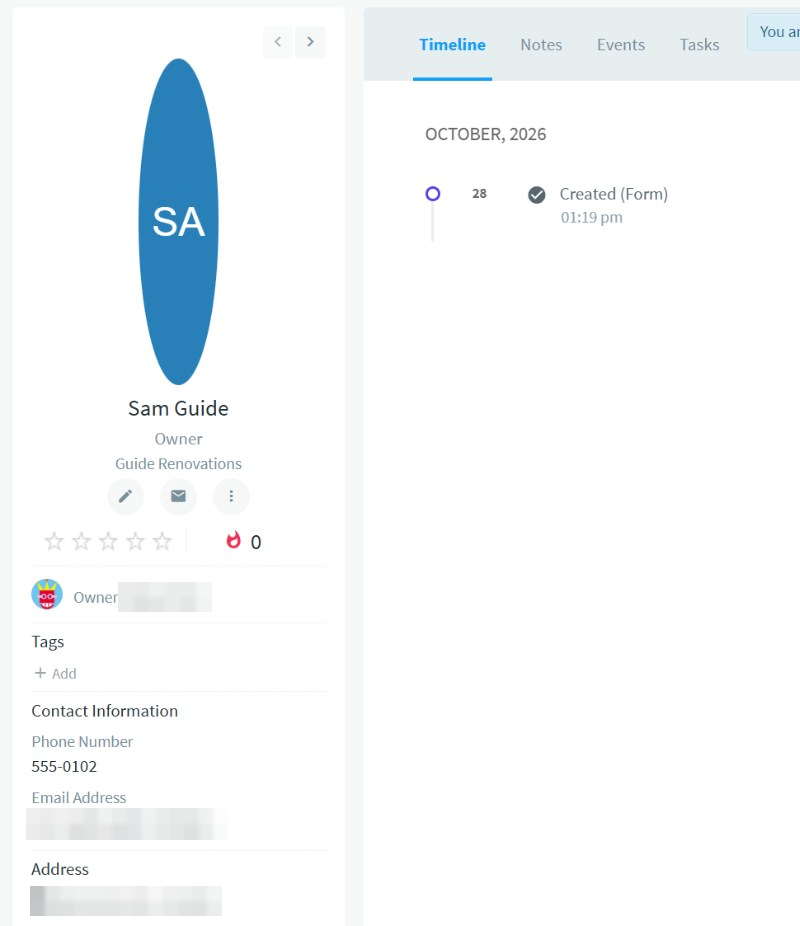
Open your page in a private window. Submit the form with [email protected] (1). Then submit it again with your own details. Agile shows Great! Thanks for filling out the form., and the enquiry appears under Contacts (2), created by the form (3).
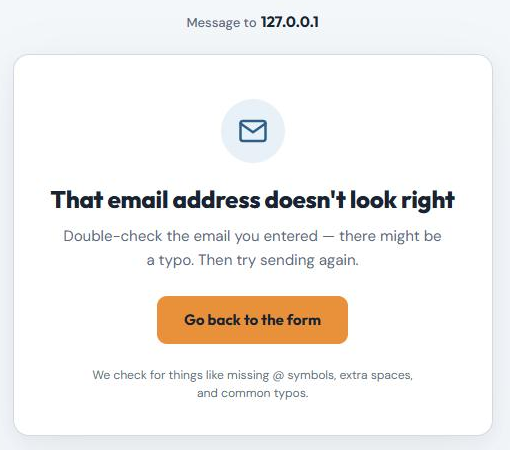
The first try shows That email address doesn't look right.
The second try appears under Contacts, with every field you filled in.
Back in the wizard, click Both Tests Passed.
You should see: Great! Thanks for filling out the form. after the second try.
Your Agile CRM form is protected
- Bots are stopped before they reach Agile CRM.
- Real leads arrive exactly as before, with no extra steps for them.
- Every block is logged in your SpamKill dashboard.
Something not working?
Find what you're seeing.
Clicking the button does nothing
Agile's script is still in the code and Agile's tracking code is on the page. Paste the Full Source Code into the wizard again, delete the script after </form>, and replace the code on your page.
The form submits, but no contact appears in Agile
Check the live page has the protected code: its form sends to protect.spamkill.dev. Agile's contact list can also take a reload to show new contacts.
A real visitor was told their email doesn't look right
SpamKill checks for missing @ symbols, extra spaces and common typos. The visitor can click Go back to the form, fix the address and send again.
I changed the form in Agile
Copy the Full Source Code again, repeat steps 3 to 6 and replace the code on your page.
Changed your mind? Undo in under a minute
- Open the page in your website editor.
- Delete the SpamKill code and paste your original Agile form code back.
- Save and publish the page. Your form is back to how it was.
Thanks! Glad your form is protected.
Sorry about that. Tell us which step tripped you up and we'll fix the guide.
Stuck? We'll set it up with you.
Free setup help for every plan. Send us a message and we'll walk through your Agile CRM form with you.
Get setup help